All guides
Encounter Detection: review overlapping pass records
For an approved review, retrieve pass records whose recorded open times overlapped.
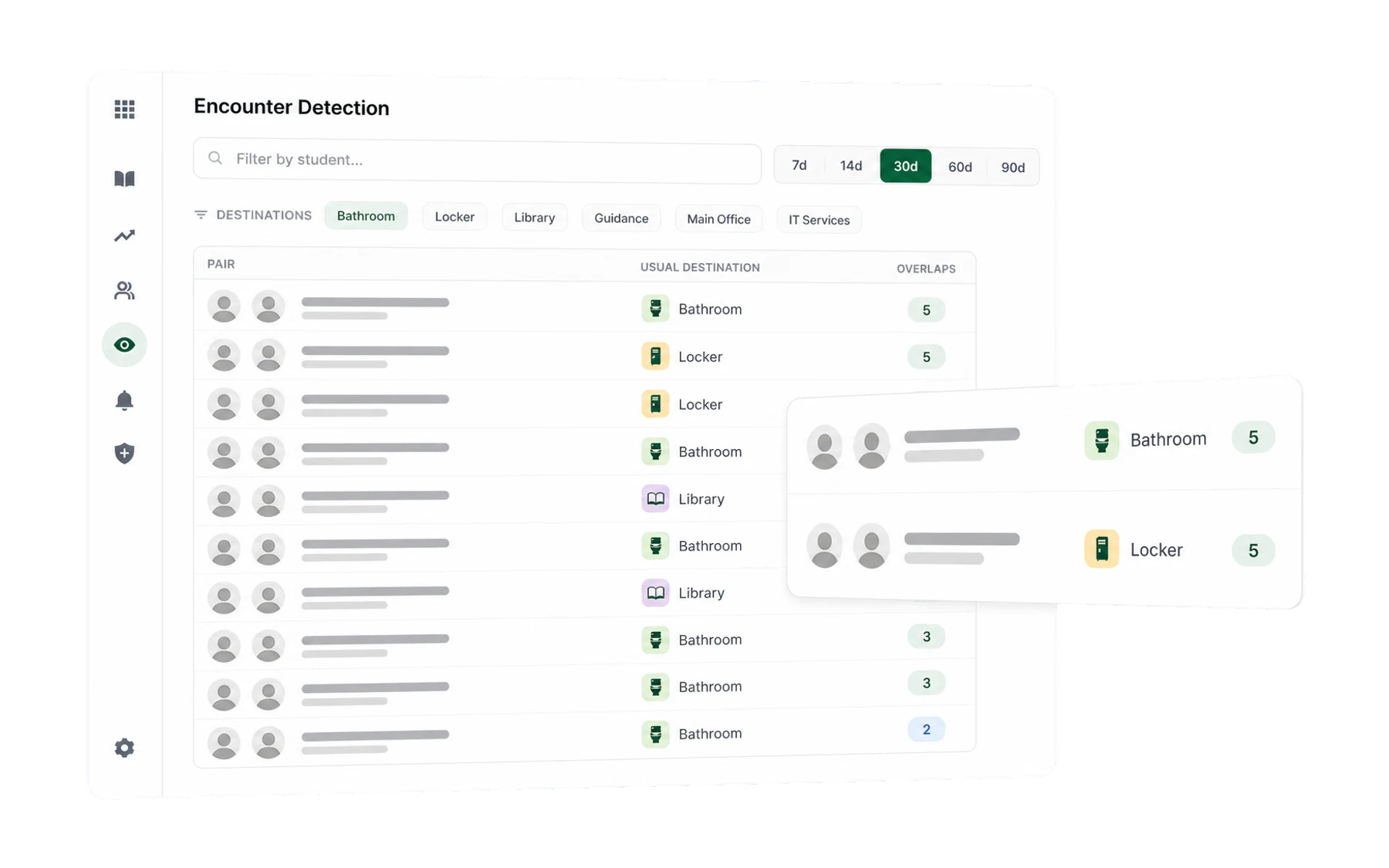
Encounter Detection lets an authorised reviewer retrieve pairs of open pass records whose recorded time windows overlapped more than once. Use it only for a defined school review purpose involving students already in scope; it is not a tool for browsing or discovering suspected behaviour.
What counts as an encounter
Two open pass records associated with different students whose recorded times overlap. The view applies the school’s configured minimum overlap count before listing a pair.
Using it
- Set the window. Use the shortest date range necessary for the documented review.
- Search for a student already in scope — the list narrows to overlapping records associated with that student.
- Filter by destination. Two modes, and the choice matters:
- Exclude these destinations — remove records outside the approved question.
- Show only these destinations — limit the result to expected destinations relevant to the review.
Reading the results
Each row is a pair of records, an overlap count, and the recorded dates and times. Before using a result, check the underlying entries, date range, staff recording practice, and timetable context:
- Same time each day — may reflect the timetable or a recurring school process.
- Same expected destination — records share a selected destination; this does not confirm arrival.
- Clustered in one week — check for recording, timetable, or event changes in that week.
- Scattered across a term — review whether the result is relevant before retaining or acting on it.
Appropriate, limited uses
- After a reported incident. Retrieve Vero records that match a defined time window as one limited input to an authorised review.
- Checking a configured separation. Review whether overlapping open-pass records were created for students already included in a Separation group.
- Checking data quality. Validate unexpected overlaps against timetables and staff recording practice.
Using it responsibly
This screen contains student-linked records and requires a clear purpose, restricted access, and human review:
- Start with an approved question and known scope. Do not use it to search broadly for students who might warrant attention.
- Validate before acting. An overlap is a property of two records, not evidence of contact, intent, behaviour, or location. Apply the school’s normal review and procedural safeguards.