Award a school value
Catch students doing the right thing and make it count towards your school’s values.
Most schools have a set of values on a poster in the foyer. The Values module turns them into something with a number attached — so “respect” is not just a word on a wall but a thing 340 students were caught doing this term.
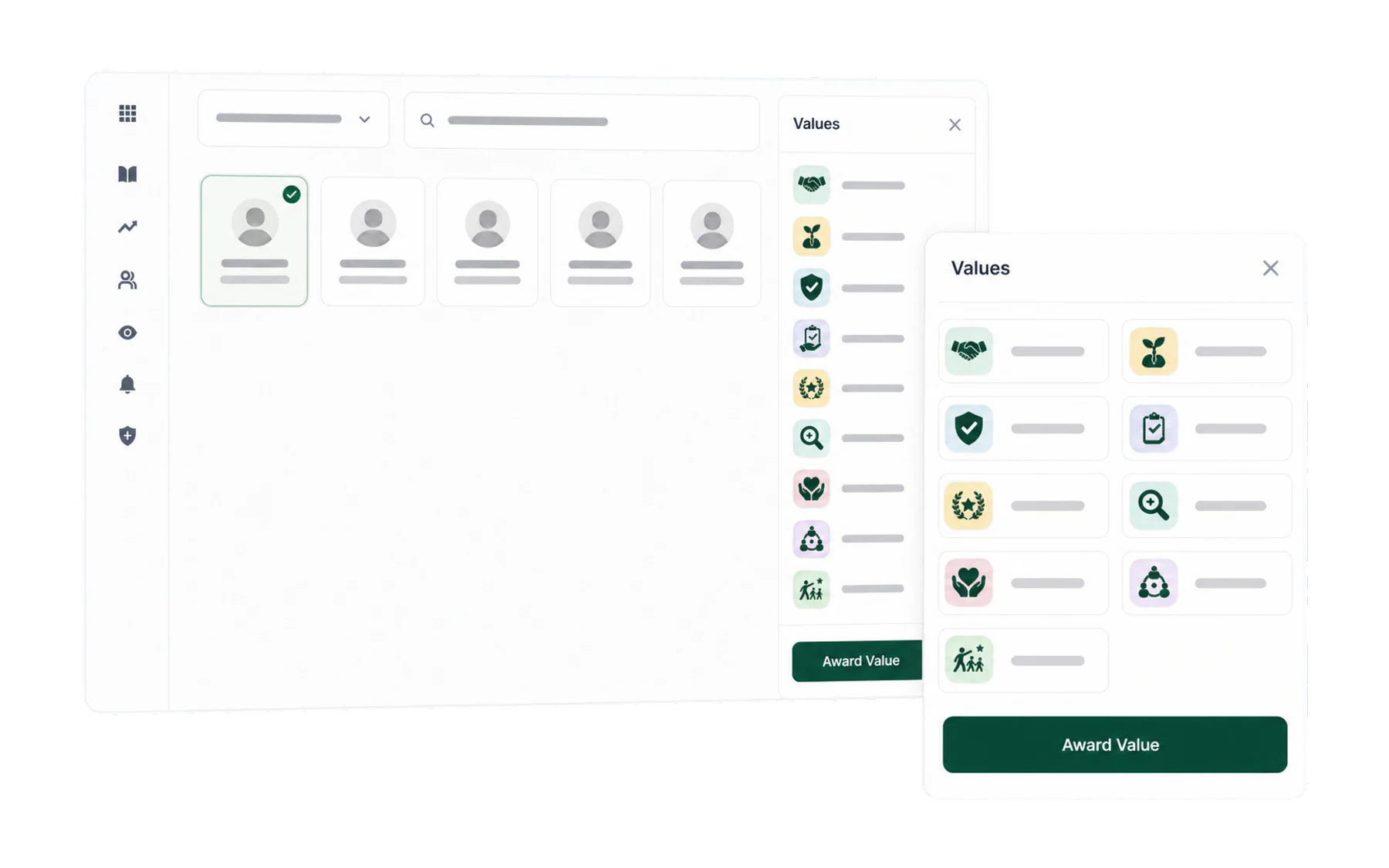
- Open Log Student and choose the class.
- Choose the student — your class, all classes, or search.
- Choose Values in the action rail, then choose the value. Recorded.
Making it stick
The failure mode for every positive-recognition system is the same: enthusiastic in week 2, dead by week 8. Three things help.
- Award in the moment. The value of the record is the pattern it builds, and a record made at 3pm from memory is a record that will not be made at all.
- Keep the list short. Four or five values that people can hold in their head. Twelve is a filing system.
- Close the loop. Read the totals out at assembly, put them in the newsletter, tell the house captains. Staff keep awarding when awards visibly go somewhere.
On a phone, it is the same in the phone app’s Log Student tab: the student, then Values. Awarding in the moment is the whole trick. See Using Vero on your phone.
Seeing where it lands
Insights → Values shows which values are being awarded, to which year levels and houses, and by whom. Two record-quality questions are worth reviewing:
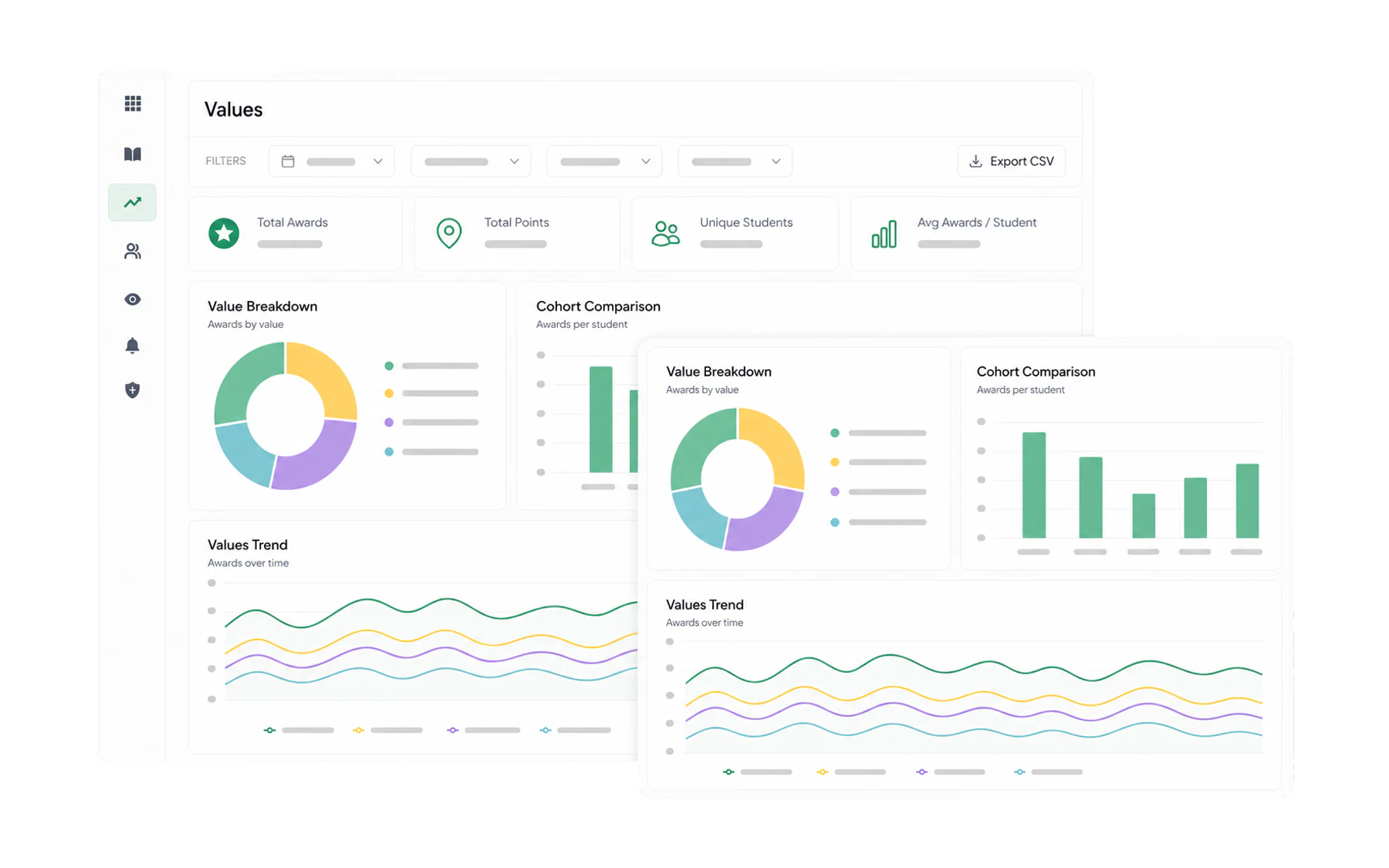
- One value dominating. Usually the easiest to spot rather than the most important. Worth naming in a staff meeting.
- Awards concentrated on a few students. The quiet, compliant ones can go a whole term without being noticed. The report makes that visible; nothing else does.
Editing the values themselves
Admin → Values. Use your school’s own wording, exactly as it appears on the poster — a value staff have to translate is a value staff will not use. See Uniform reasons, values and confiscation categories.