End a pass when a student returns
Close a pass from the Switchboard, from the kiosk, or let Vero close it for you.
A pass runs until somebody closes it. There are three ways that happens, and only the first one asks anything of you.
1. From the Switchboard, when they walk back in
An active pass turns the student’s card amber and adds a Return button. Tap it. The pass closes, the duration is written to the log, and the card goes back to normal.
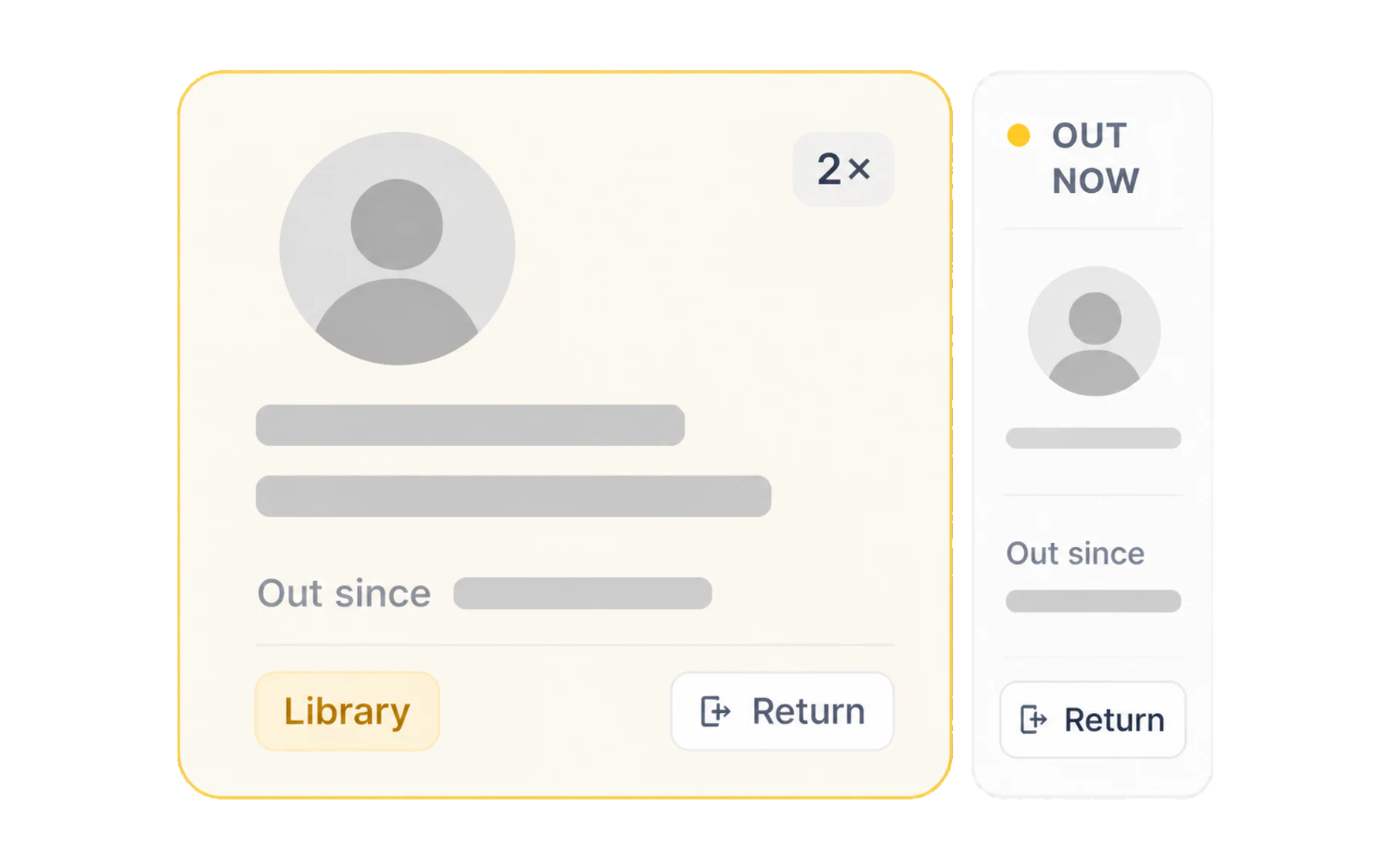
On a phone, tap Check and choose Out of Class: it lists every active pass in the school with a Return button on each, then Confirm return — quicker than finding the class again.
2. From the kiosk, when they arrive
If the place they were heading runs Kiosk Mode, the staff member there can check them in. That records the arrival time as well as the departure, which is what turns “out for 12 minutes” into “took 4 minutes to get there, then spent 8 minutes at the library”. See Check students in when they arrive.
3. Automatically, when the time limit passes
Nobody remembers every pass, and a forgotten one would otherwise sit open all week. Vero closes any pass still running past your school’s time limit and marks it as auto-ended, so the log stays honest without anyone tidying up. See Overdue passes and the time limit.
Ending someone else’s pass
Only the teacher who sent the student, or a school administrator, can close the pass. If the student comes back to a different room, find them with search to see who sent them, and ask that teacher or an administrator to end it.
If you ended it by mistake
Issue a fresh pass. Vero does not reopen a closed one, because the log is a record of what happened rather than a document to be edited. The short pass that resulted stays visible, which is the correct outcome — it is what actually happened.