All guides
What Vero does, in one page
The short version of what Vero records, who uses each part of it, and what changes on day one.
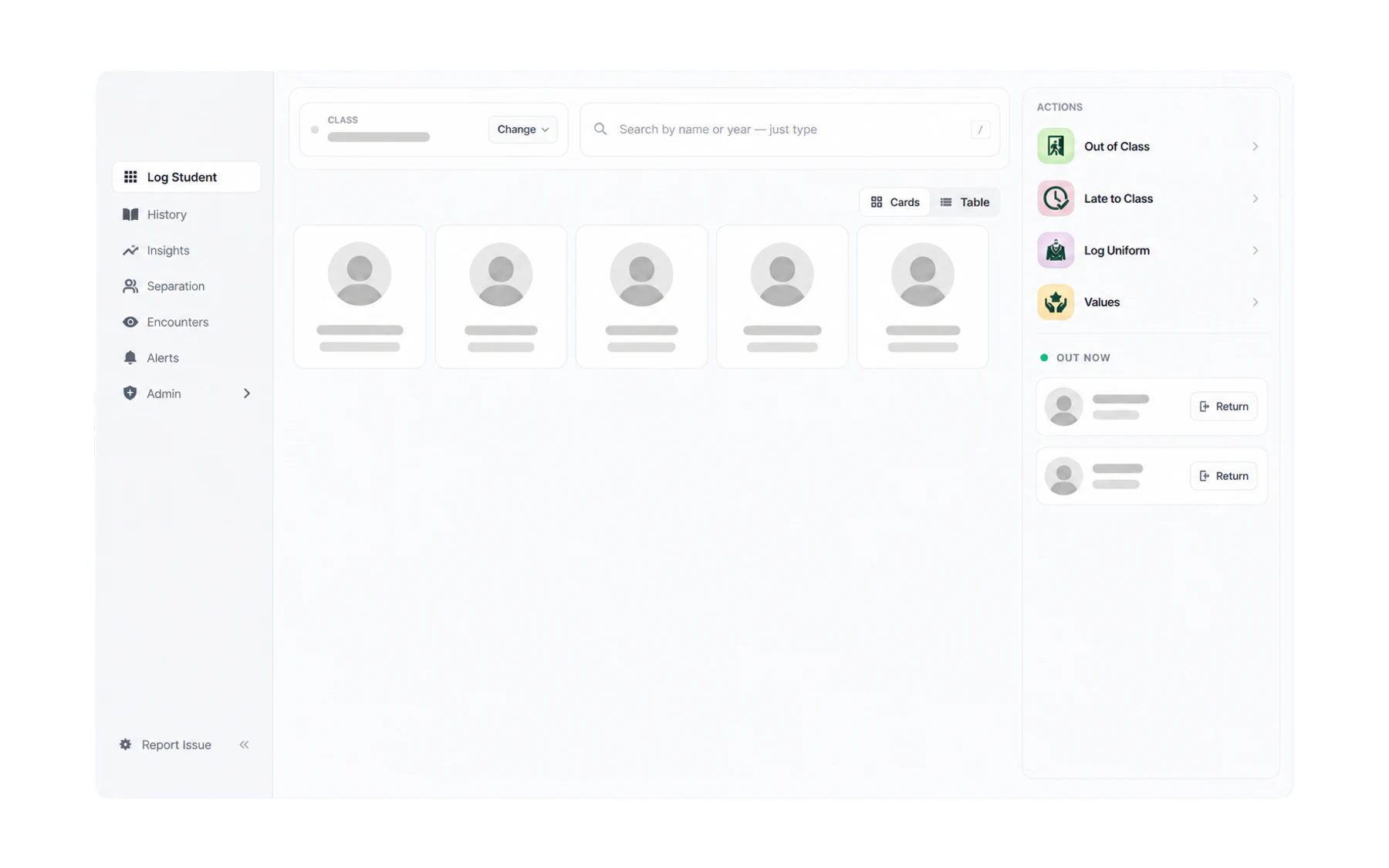
Vero records staff-authorised school activity. When a teacher creates an out-of-class pass, Vero stores the student, expected destination, source class and associated times. The open-pass register shows records that have not yet been ended; it does not verify where a student physically is. Completed records can be searched and summarised by appropriately authorised staff.
What it replaces
A paper sign-out sheet by the door, a laminated pass, or nothing at all. Those record the same event, but only in a form nobody can search. Vero keeps the two-second act of writing something down and drops the fifteen minutes of leafing through folders later.
Who uses which part
Vero is one product with three quite different jobs inside it.
- Teachers use Log Student: one Switchboard for Out of Class, uniform, values and lateness. That is the whole job for most staff: select the student, then the action.
- Front office and library staff use Kiosk Mode — a screen showing who is on their way, with a check-in button for when they arrive.
- Year coordinators and leadership may use Insights and Alerts — role-restricted summaries and school-defined review rules for records created in Vero.
- Administrators and IT set up the SIS connection, the destinations, the roles and the modules. Mostly a first-week job.
What changes on day one
Very little, deliberately. The teacher’s routine is the same act it always was — a student asks, you decide, they go. The difference is that the decision is now written down in a form that can be retrieved consistently. Depending on role, staff can answer questions about the records themselves:
- Which pass records are currently open, and what expected destinations were entered?
- When was a particular pass record created and ended?
- How many staff-created passes used a selected destination during a chosen period?
- Which other open pass records overlapped during a defined time window?
What Vero does not do
- Students cannot issue their own passes. Every Vero pass record is created or managed by an authorised staff member.
- It does not verify location. Vero records the expected destination a staff member selected. There is no geolocation, camera, sensor or student-device tracking.
Where to go next
- Teaching this week? Send a student out of class.
- Setting Vero up? Connect your SIS with Wonde.
- Reporting to leadership? Find your way around Insights.