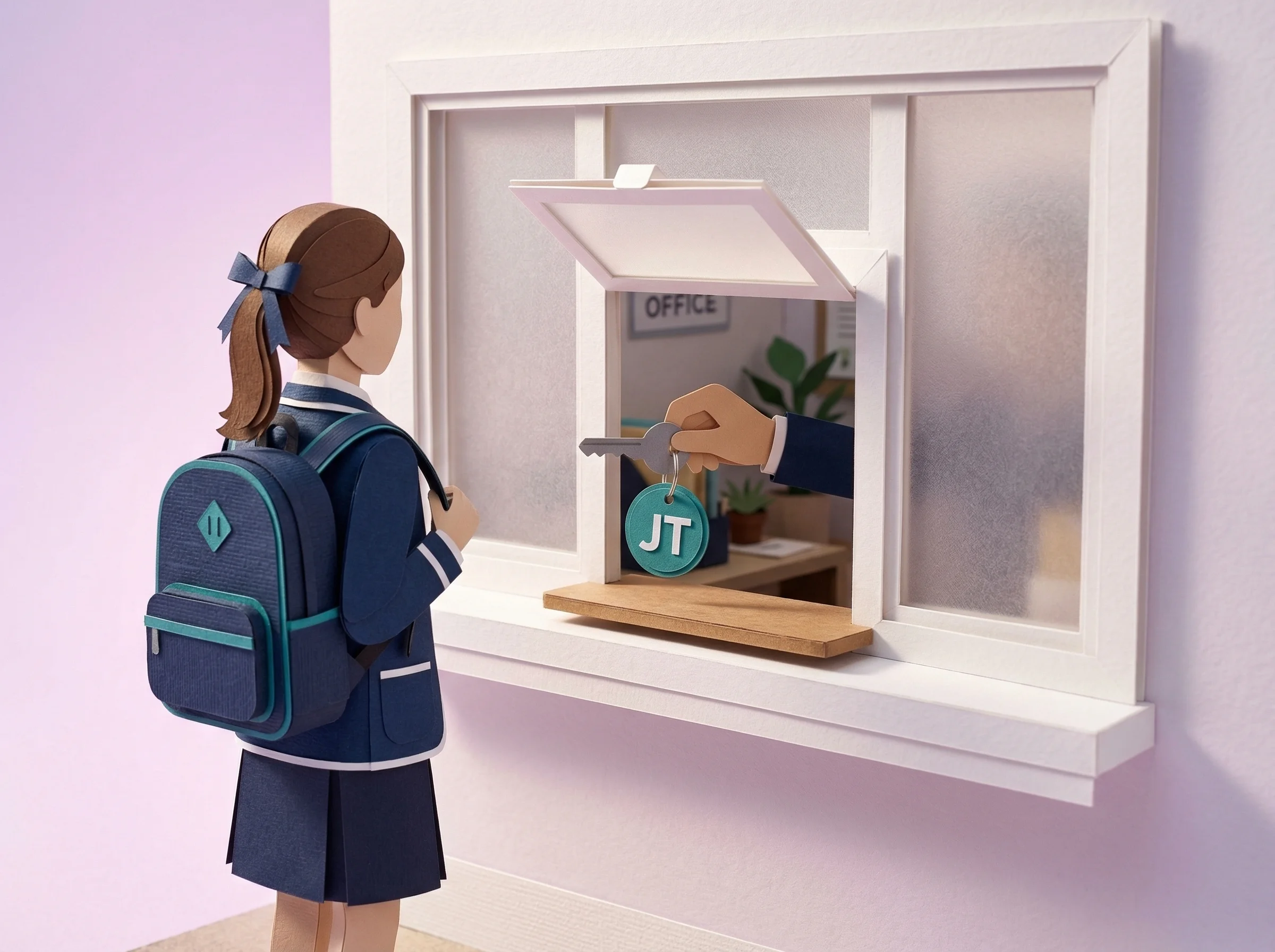
Five seconds. That's it.

Two taps, under five seconds, and the student is on their way. No training day, no student logins, no student devices.

Built for teachers who are already busy enough

Works on your phone

Vero runs in the browser on phones, tablets and laptops. Add it to your home screen; there's no app to download.

Your classes are already there

On Connected, your students, classes and timetable sync through Wonde. No training day; a short walkthrough is there if you want it.


A heads-up before a known conflict

If another student in a separation group is already out on a pass, Vero warns you. You can wait, or override with a reason.


Uniform checks as fast as a pass

Spot a uniform issue on the way into class? Pick the student and the issue, and it's on their record.

Staff picked it up really quickly. It only takes a couple of taps.

  • “Teachers can log a pass or a uniform issue in a few seconds.”

  • “I log uniform on my phone as I walk around the College, and I can do a group of students at once.”

Adam McPheeDeputy Principal, Iona College

"But I don't want another system"

Fair enough. Here's what Vero doesn't ask of you.

5 seconds, not 5 minutes

Pick the student and destination, and the pass timer starts.

No new password

Sign in with your school Google or Microsoft account.

Nothing for IT to maintain

After setup, there's no server or app for school IT to look after.

Questions from teachers

How long does it take to send a student out of class with Vero?
A Vero pass is designed to take under five seconds: open Vero, search the student’s name and tap a destination. On Connected, your classes and timetable sync through Wonde; Core schools manage student data by hand.
Does Vero work on a teacher’s phone?
Yes. Vero runs in the browser on phones, tablets and laptops, and you can add it to your home screen. There’s no app-store download.
What happens if a student doesn’t come back on time?
Vero ends the pass automatically at your school’s time limit and marks it auto-ended, not returned, so your school’s follow-up routine still applies. Until then, the open pass shows the student, destination and time elapsed, and you end it when the student returns.
Do teachers need training to use Vero?
No. Vero needs no formal training or PD day. The pass routine is short, and an optional staff walkthrough, product guidance and launch support are there if you want them.
Do teachers need another login for Vero?
Usually not. Teachers can sign in to Vero with their school Google or Microsoft account, so there’s no new password to remember. Email sign-in is available too.
Australian owned and operated
Built in Australia for Australian schools

Try it for yourself

Book a 20-minute walkthrough and see a pass from the teacher's side.