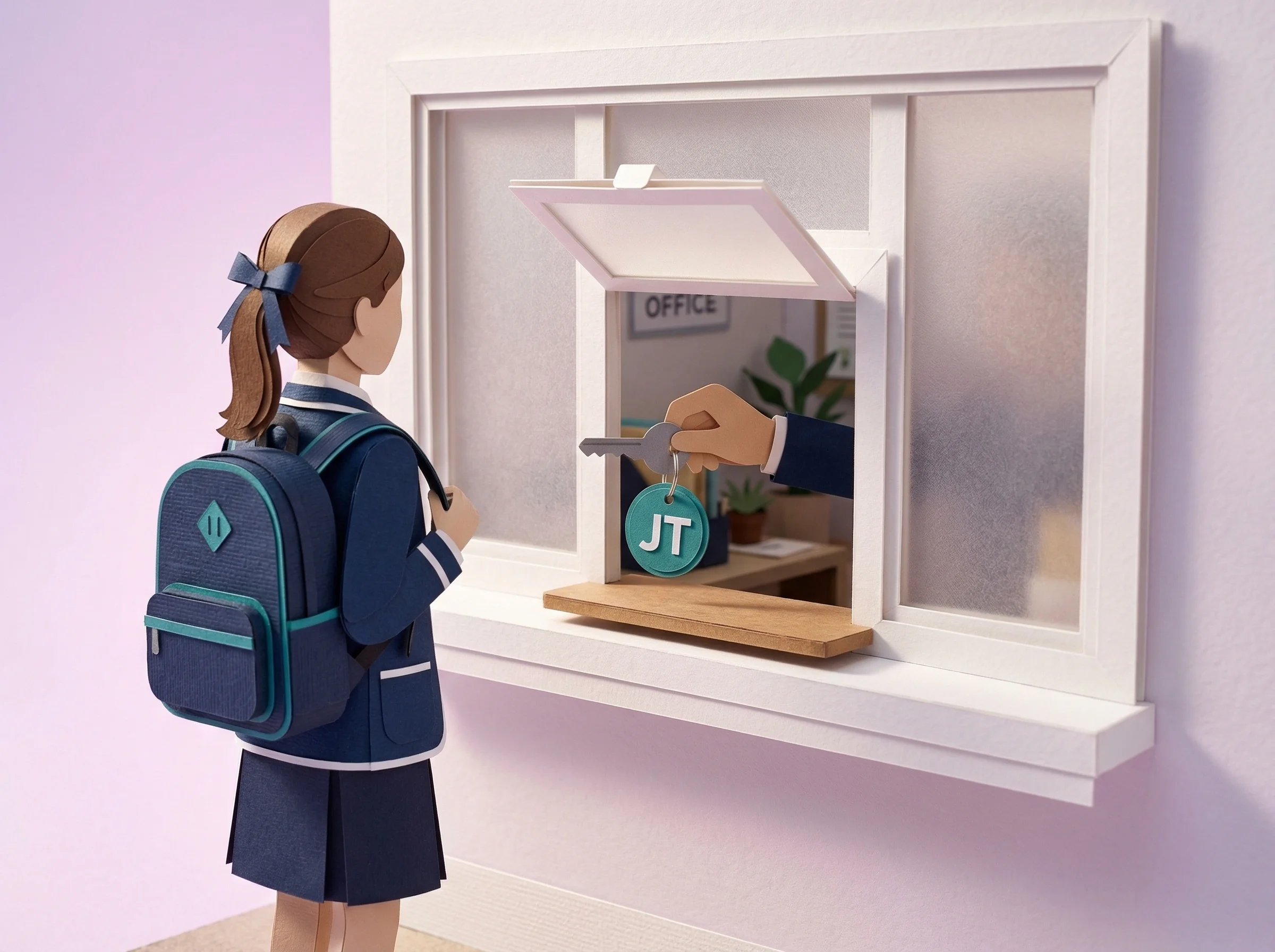
Teachers are rightly cautious about software that adds work to a lesson. The rollout should make the workflow easy to inspect, give staff a voice and provide a clear way to raise practical concerns. See how Vero works for teachers.
The following rollout is a practical starting point. Adapt it to your school's decision-making, industrial context and communication norms.
Why teachers resist (and what to do about it)
"It's another thing on my plate"
Teachers are stretched, so workflow effort belongs in the pilot. Demonstrate the two-tap pass, compare it with the school's current process and measure the classroom interruption rather than relying on a generic timing claim.
"I don't need software to let a kid go to the bathroom"
This objection is about perceived overhead for a simple task. Address it by explaining the purpose without overstating the record: "The pass records the approved request and gives authorised staff an open-pass view. During the pilot, we will check whether that context improves our day-to-day and emergency processes."
"What if the internet goes down?"
Vero is browser-based, so it requires internet connectivity. In practice, Australian schools rarely experience full internet outages during school hours. If it happens, teachers can revert to paper sign-outs temporarily and log passes later. The system is designed to be resilient, not brittle.
A rollout strategy to evaluate
Use a paid one-term pilot to test the workflow with a defined group before deciding whether to expand.
1. Start with a defined pilot group
Don't announce a school-wide rollout at a staff meeting. Start quietly with a small group of willing teachers — ideally ones who are respected by colleagues and comfortable with technology. Year coordinators are often a good choice.
2. Ask the pilot group for specific feedback
Ask staff about the time needed to create and close a pass, where the workflow interrupts teaching, and which records are useful. Share the findings honestly before a wider decision.
3. Do a 15-minute whole-staff walkthrough
No formal training day is required. An optional 15-minute walkthrough can cover the three everyday actions: create a pass, end a pass and view the dashboard. Teachers then learn in normal use, with guidance available.
4. Review participation without inventing a target
Agree what meaningful participation looks like for the pilot group and review gaps in context. A low count may reflect timetable, role, student need or a workflow issue — not simply resistance.
5. Don't mandate. Nudge.
Explain the purpose, demonstrate the workflow and invite staff feedback during the pilot. Adoption should be measured by eligible pass capture and staff experience, not assumed from a mandate.
Practical rollout tips
- Schedule the staff walkthrough during a regular staff meeting, not a dedicated PD session
- Invite pilot teachers to share both useful aspects and friction points
- Send a 2-minute video walkthrough via email for staff who prefer self-paced learning
- Set the school's default destinations before launch so teachers don't have to configure anything
- Keep the first staff communication focused on purpose, workflow, privacy and where to get help
- Share verified pilot findings rather than an adoption claim or success percentage
What to review during the pilot
Use school-specific measures:
- how often the agreed pilot group uses the workflow when relevant
- how long the pass interaction takes in real lessons
- which support questions recur
- whether the shared register and records answer the questions leadership set
The metric that matters
Logins alone do not show whether a workflow fits. Review pass creation where it is relevant, staff feedback, support needs and the completeness of the record. Interpret the numbers alongside roles and timetables.
Lead with a defined one-term pilot, keep the optional walkthrough short and review the evidence with staff. If the workflow does not fit, use that feedback before expanding. See how it works in practice.