Staff stay in control
A teacher or other authorised staff member creates and manages each record.
Vero gives primary and P–12 schools a teacher-led way to record out-of-class passes and optional school routines — without asking children to use phones, accounts or QR codes.
The child does not operate Vero. Staff use a short workflow, and the school decides which routines and records are appropriate.
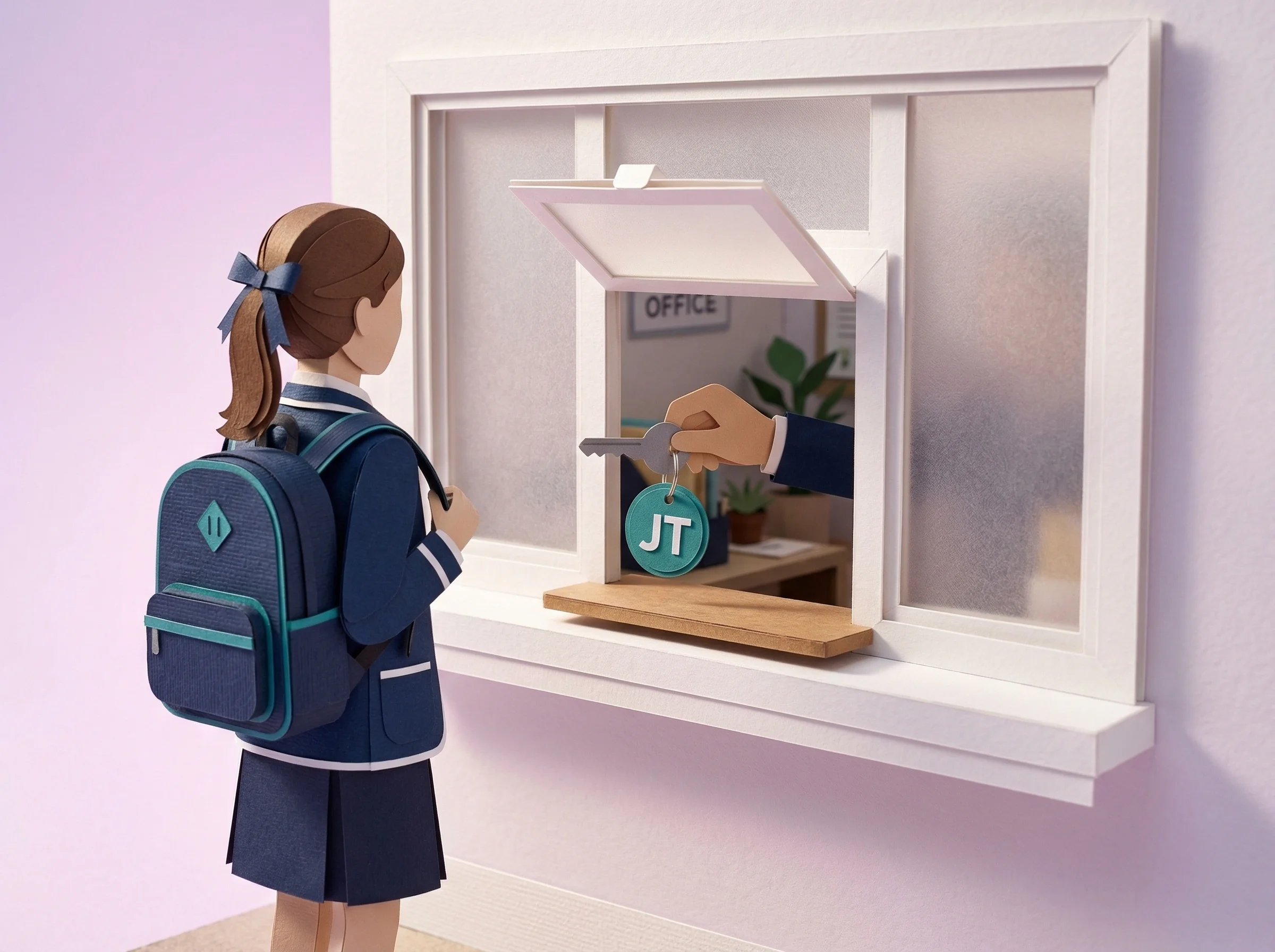
A teacher selects the student and expected destination, then creates the pass. Authorised staff can review open pass records without relying on a paper slip or asking a child to carry a device.
If it fits your school’s approach, staff can use the optional values workflow to record recognition against the values and categories your school chooses. It is one available module, not a required part of using Vero.
When an authorised staff member needs to review repeated records, Vero can provide dates, expected destinations and recorded durations. Staff and families still supply the context around that information.
Simple for the student, quick for the teacher and configurable for the school.
A teacher or other authorised staff member creates and manages each record.
Students do not need a phone, app, QR code, Vero account or password.
Your school chooses destinations, limits, alerts, staff access and enabled modules.
The core workflow is designed to be learned in use, with guidance and support available.
A one-term pilot can focus on a defined use case and a staff group before the school makes a longer-term decision.
Define the destinations, staff roles and workflow the school wants to evaluate.
Give staff a short guided introduction; no formal training day is required.
Decide whether Vero fits. The paid pilot fee is credited in full towards the annual subscription if the school continues.
See the staff-led pass workflow without student accounts, phones or QR codes.
FeatureRecord positive recognition against the values and categories your school chooses.
Compare the staff effort, visibility and records provided by paper and digital workflows.
How the staff-facing workflow works for younger students.

Book a 20-minute walkthrough to see the teacher experience, school controls and one-term pilot.